Someone rings you and says your website is "showing a warning". Or you open it yourself, and there it is, sitting next to your web address: Not Secure.
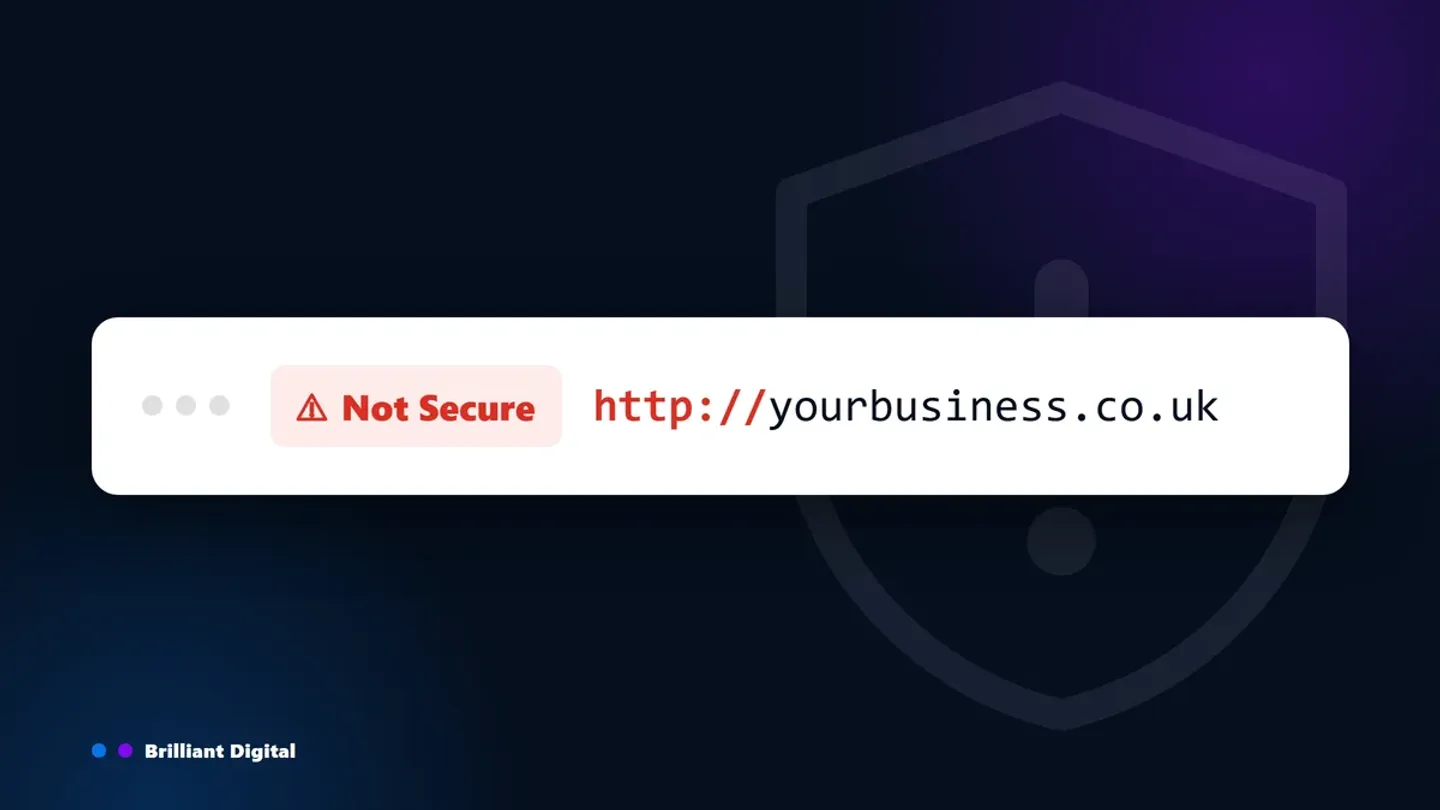
Your website says "Not Secure" because it is loading over HTTP instead of HTTPS, which means the connection between your website and the person visiting it is not encrypted. It is a warning about the connection. It is not an accusation that your website has been hacked.
The fix is usually straightforward, and it should not cost you anything. Then we will get to the question almost nobody asks: if nobody noticed this, what else has nobody been looking at?
Key Takeaways
- "Not Secure" means your website is not using HTTPS. The connection is unencrypted, so anything a visitor types could be read in transit.
- It does not mean you have been hacked. The browser is reporting on the connection, nothing else.
- The fix is an SSL certificate, and for most small businesses it should be free. Let's Encrypt gives them away and most decent hosts include one as standard.
- Most websites can be fixed in under an hour. The exception is when the certificate turns out to be the smallest of the problems.
- The warning is usually a symptom. If nobody spotted an expired certificate, the rest of your website has probably not been checked either.
What "Not Secure" actually means
An SSL certificate is a small file on your web server that lets a browser create an encrypted connection to your website. With one installed, your address starts with https:// and the browser stops complaining. Without one, your address starts with http://, nothing is encrypted, and browsers say so.
One thing worth knowing, because most articles on this topic still get it wrong: Chrome no longer shows a padlock. It was replaced in 2023 with a settings icon that opens site information, and Google's own documentation now calls the safe state simply "Default (secure)" (Google Chrome Help). Safari and Firefox still show a lock. So the reliable check is not hunting for a padlock. It is whether your address starts with https:// and whether the browser is saying "Not Secure".
Encrypted means the information travelling between your website and your visitor is scrambled, so anyone else on the same network cannot read it. Unencrypted means it travels as plain readable text. If someone fills in your contact form on café wi-fi, their name, email and message go across that network in the clear.
You will also see SSL written as TLS, which is the newer version of the same thing. Certificates are issued by a certificate authority, and the industry still says "SSL certificate" out of habit, so we will too.
None of this is new, and it is not a penalty aimed at you. Google Chrome has labelled every HTTP page this way since version 68 in July 2018 (Google Chrome blog, 2018). Safari and Firefox show their own versions of the same warning.
No, you have not been hacked. But it is costing you.
The warning says nothing about malware, and nothing about whether anyone has broken into your website. A perfectly clean, perfectly healthy website will show "Not Secure" if it has no certificate. That is worth saying plainly, because it is the first thing most business owners fear.
What it does cost you is trust, and trust is expensive.
- Visitors leave before they read anything. The warning appears before your homepage finishes loading. Most people will not stop to work out whether it is serious.
- Enquiries dry up quietly. Nobody emails to say they did not trust your contact form. They just use somebody else's.
- Google notices. HTTPS has been a confirmed ranking signal since August 2014 (Google Search Central, 2014). It is a small signal, but it is a real one, and it stacks on top of the trust problem.
For context on the wider risk: 43% of UK businesses identified a cyber security breach or attack in the previous 12 months, and the average cost of the most disruptive one was around £1,600 (Cyber Security Breaches Survey 2025, DSIT). A missing certificate will not cause a breach on its own. It is simply the most visible sign that nobody is minding the shop.
If your website has also stopped showing up on Google, the two problems often share a cause.
The five reasons a website shows "Not Secure"
There are five common causes, and they are worth separating because the fix and the person who fixes it are different in each case. Work out which one applies to you before you do anything else.
- No certificate at all. Every page warns and your address still starts http://. Under an hour to fix.
- Certificate expired. The warning appeared suddenly on a website that was fine last week. Minutes to fix.
- Mixed content. Some pages warn and others do not. An hour or two.
- No HTTPS redirect. The warning only appears when the address is typed without https. Minutes.
- Installed incorrectly. The website warns despite a certificate existing. Under an hour.
Your hosting provider can fix the first two, and usually the fourth, without anyone else being involved. Mixed content is the one that belongs to whoever maintains the website, because it means going through the pages and replacing insecure items. A badly installed certificate sits between the two: your host if they installed it, your developer if someone else did.
The first two are obvious once you know to look. The last three are where people get stuck, because a certificate exists, everything looks like it should be working, and the browser disagrees.
Mixed content is the most common of the three. It happens when the page itself loads securely but something on it does not: an old image, a font, a tracking script, an embedded map. One insecure item is enough to flag that page.
How to fix it, step by step
Work through these in order. Most websites are fixed at step two or three, and you can do a surprising amount of this yourself without touching any code.
Step 1. Check what you already have
Open your website in Chrome and click the warning next to the address. Chrome will tell you whether a certificate exists and when it expires. A free SSL checker gives you more detail, including whether the certificate covers the right domain name.
Step 2. Get a certificate, and do not pay for it
Let's Encrypt issues certificates free, and almost every competent host now installs them automatically. Check your hosting control panel before you buy anything.
Paid certificates do exist and they have their place. They buy you higher validation levels and a warranty, which matters for banks and large e-commerce operations. For a small business website, they buy you nothing that the free one does not already do. If someone is quoting you for a basic certificate, that tells you something about your provider.
Step 3. Install it properly
Most hosts have a one-click option in cPanel or their own dashboard. The one thing that catches people out is the certificate chain: if the intermediate certificate is missing, browsers will still refuse to trust it. If your host installed it, ask them to confirm the full chain is in place.
Step 4. Force every page to load over HTTPS
A certificate on its own does not redirect anybody. Somebody typing your address without https will still land on the insecure version and still see the warning. You need a 301 redirect sending all HTTP traffic to HTTPS, and your website address updated to https:// in your CMS settings. If a new site is about to go live, checking SSL before you go live belongs on the pre-launch list rather than the fix-it list.
Step 5. Find and fix mixed content
Open the page that is still showing the warning, press F12 to open your browser's developer tools, and look at the Console tab. It will list every item still loading over HTTP. Update those addresses to https://, or replace anything that will not load securely.
Step 6. Tell Google
Update your internal links and XML sitemap to point at the HTTPS versions, then resubmit the sitemap in Google Search Console. That is how Google learns the secure version is the real one.
If you would rather not do any of this yourself, you do not have to. Send this to whoever hosts your website:
"My website is showing a Not Secure warning. Please confirm that a valid SSL certificate is installed with the full certificate chain, that HTTPS is forced on all pages, and that there is no mixed content."
That single paragraph covers steps two through five. Any competent host will know exactly what to do with it.
"I already have an SSL certificate and it still says Not Secure"
This is the most frustrating version of the problem, and it almost always comes down to one of four things. A certificate that exists is not the same as a certificate that is working.
- Mixed content. The page is secure but something on it is not. Check the browser console.
- No redirect. The secure version works, but visitors are still landing on the insecure one.
- Incomplete certificate chain. The intermediate certificate was never installed, so browsers will not trust it.
- Wrong domain on the certificate. Usually a certificate issued for yourdomain.co.uk that does not also cover www.yourdomain.co.uk, or the other way round.
What if you are just visiting a website that says "Not Secure"?
If the warning is on somebody else's website, you cannot fix it, and you do not need to panic. Reading a page is low risk. The rule is simple: do not type anything into it.
Never enter a password, card details or personal information on a website showing this warning, and be especially careful on public wi-fi, where unencrypted traffic is easiest to intercept.
If every website you visit shows the warning, the problem is your own device rather than the websites. Check that your computer's clock is set correctly, clear your browser cache, and try disabling browser extensions one at a time.
What the warning really tells you about your website
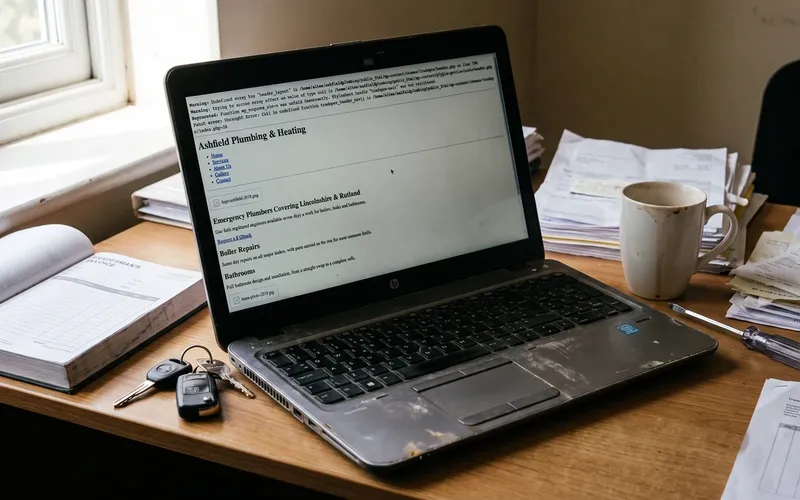
Here is the part the certificate vendors will not tell you. On a properly set up website, certificates renew themselves automatically. So a "Not Secure" warning very rarely means your SSL broke. It means nobody was watching.
That is the useful information. Not the warning itself, but what it implies about everything you cannot see from the outside.

We have been building and taking over websites since 2014, more than 150 of them, and the pattern is consistent. When we inherit a website showing this warning, the certificate is almost never the only thing that has been left alone. Usually we also find:
- Core software and plugins months or years behind on security updates
- Backups that either do not exist or have never been tested by restoring one
- A contact form that stopped delivering emails at some point, with nobody the wiser
- Hosting nobody has reviewed since the website was built, often on a renewal price nobody checked
- Page speed nobody has measured
That is not a sales pitch. It is what regular website maintenance is for, and it is why we stopped building on WordPress altogether. The platform was fine. The maintenance burden it put on business owners who never signed up to be system administrators was not, and the real running costs surprised almost everybody.
So be honest with yourself about which situation you are in. Sometimes the answer really is a twenty minute fix and the website underneath is perfectly good. Sometimes the certificate is the one problem you happened to be able to see.
The test is straightforward: fix the warning, then ask when anything else on the website was last checked. If nobody can answer that, you have found the actual problem.
If it turns out your website needs more than a certificate, that is worth a straight conversation rather than another patch.
Frequently Asked Questions
How do I fix my website not secure?
Install a valid SSL certificate, then force every page to load over HTTPS with a 301 redirect. Fix any mixed content, where images or scripts still load over HTTP. Most hosts offer free certificates and one-click installation, so the whole job usually takes under an hour.
Is it safe to go to a website that says not secure?
Reading a page is low risk. Entering information is not. Never type passwords, card details or personal information into a website showing this warning, because that data travels unencrypted and can be read by others on the same network. Public wi-fi makes this considerably easier for an attacker.
Why is my website not secure anymore when it worked last week?
Almost always an expired certificate, but a plugin or CMS update that overwrote your HTTPS settings, or a recent hosting migration, will do the same thing. Check the expiry date first by clicking the warning in Chrome. Renewal usually takes minutes.
Why does my website say Not Secure even though I have an SSL certificate?
Four usual causes: mixed content where some page elements still load over HTTP, a missing HTTP to HTTPS redirect, an incomplete certificate chain where the intermediate certificate was never installed, or a certificate issued for the wrong domain, commonly www versus non-www.
What happens if a website is not secure?
Visitors see a browser warning and most leave immediately. Anything they submit travels unencrypted and can be intercepted. Search visibility suffers too, since HTTPS has been a Google ranking signal since 2014. The practical cost is lost enquiries rather than a dramatic security incident.
How much should an SSL certificate cost?
For most small business websites, nothing. Let's Encrypt issues certificates free and the majority of hosting plans include automatic installation and renewal. Paid certificates offer higher validation levels and a warranty, which matter for banks and large e-commerce sites, but rarely for anyone else.
What to do next
If your website is showing this warning, ring your host today and send them the paragraph from step six. For most websites, that is genuinely the end of it, and the warning will be gone before the afternoon is out.
If the answer comes back complicated, or you fix the certificate and start finding other things that have quietly stopped working, that is a different conversation. It usually means the website has been running unattended for a long time, and patching one visible symptom will not change that.
Tell us what you are dealing with and we will give you an honest view on whether it needs a fix or a rethink. No hard sell, no lengthy proposal. If it is a twenty minute job, we will say so.
Get in touch, or have a look at how we build websites.